
Dog Breeding Expenses: What to Track Per Litter, Per Dog and for Taxes
By Kenny SchultzUpdated Last reviewed
Dog breeding expenses are easiest to track when every cost is tagged to a litter, a breeding dog or the kennel as a whole. In BreederBuddy, Expenses links each cost to a dog or litter, Buddy reads scanned receipts, Other Income holds stud fees, and a litter's Finances tab shows linked costs beside its puppy invoices.
Key takeaways
- Decide whether a cost belongs to a litter, a dog or the kennel when you log it, not at tax time.
- Link health testing to the dog, then charge each litter a share based on how many litters you plan from her.
- Put puppy sales and deposits on invoices, and stud fees, affiliate payouts and training income on a separate income log.
- Add miles to the expense the trip was for, so the mileage log and the receipt stay together.
- Attach the receipt to every expense the day you pay it, and mark deductible lines as you go.
Dog breeding expenses never arrive in one place. The progesterone tests are on one card, the stud fee went out by Zelle, the puppy food is on autoship, and the OFA submission is buried in your email. By go-home day you know roughly what came in and have no clear idea what went out.
That gap costs you twice. Once when you price the next litter without knowing what the last one really cost, and again at tax time when your accountant asks for totals by category and you're digging through a shoebox.
This article covers how to sort every cost by whether it belongs to a litter, a breeding dog or the kennel as a whole, how to record income that isn't a puppy sale, and how to finish the year with dog breeder tax records you can hand over. Then it walks through how BreederBuddy's Expenses, Other Income and Reports pages handle each piece.
Sorting costs: litter, dog or kennel
Every breeding expense belongs to a litter, a breeding dog or the kennel as a whole, and deciding which one when you log it is what makes the numbers useful later.
The test is simple. If the cost only exists because of this breeding, it's a litter cost. If it serves every litter a dog will ever have, it belongs to the dog. If it keeps the program running no matter who's bred, it's overhead.
| Cost | Belongs to | Why |
|---|---|---|
| Stud fee, semen shipping, progesterone, ultrasound, X-ray | The litter | Only spent because of this breeding |
| Whelping supplies, puppy vaccines, deworming, microchips, litter registration | The litter | Spent on these puppies |
| OFA and DNA testing, eye exams, show entries, titles | The dog | Supports every litter she or he produces |
| Food, preventatives, routine vet, insurance for one dog | The dog | Ongoing cost of keeping that dog |
| Website, software, advertising, club dues, equipment | The kennel | Runs the program as a whole |
One vet bill can land in two places. An exam for your female plus a puppy vaccine round on the same receipt is a dog cost and a litter cost. Split the lines instead of guessing.
Costs that belong to a litter
Litter costs are everything from the first progesterone draw to the last puppy going home, and they're the numbers you need to know if a litter made money.
Work through it in the order you spend it:
- Before breeding: progesterone tests, brucellosis test, stud fee, semen collection and shipping, side-trip mileage to the stud.
- Pregnancy: ultrasound, X-ray for a puppy count, extra food and supplements for the dam.
- Whelping: whelping box, heat source, pads, scales, emergency vet or a C-section if it comes to that.
- Puppies: dewormers, first vaccines, vet checks, microchips, litter and individual registration, puppy packs, food for the weeks they're with you.
There's no typical cost of breeding a litter you can borrow from someone else. A natural tie with your own male and a four-puppy litter looks nothing like a frozen-semen AI from out of state followed by a C-section. The biggest swing items are usually the stud fee, the reproductive vet work and any emergency at whelping. Run your own numbers through the litter profitability calculator to see how each one moves the result.
Costs that belong to a breeding dog
A breeding dog's costs, especially health testing, are paid once and then serve every litter she produces, so log them to the dog and spread them across litters when you work out profit.
Health testing is the clearest example. OFA hips and elbows, eyes, a cardiac exam and a DNA panel can add up to a real number before her first litter. If you expect four litters from her, divide the total by four and charge each litter that share. $1,200 of testing over four planned litters is $300 a litter. If she retires early, the last litter carries what's left. Keep the testing results themselves with the dog, too. More on that in health testing records for breeding dogs.
Show and title costs work the same way. So does a male's upkeep, which you can set against the stud fees he earns.
Kennel overhead and shared costs
Overhead is the cost of running the program, and the cleanest approach is to track it separately and subtract it from your year, not from one litter.
If you'd like a per-litter figure anyway, divide the year's overhead by the litters you had that year. Two litters and $1,800 of website, advertising and dues means $900 a litter. That's a rough tool for pricing, not an accounting method.
Mileage is the one cost that moves between buckets. A drive to the repro vet for progesterone is a litter cost. A drive to a show is a dog cost. A trip to pick up bulk kennel supplies is overhead. Log the miles with the trip's purpose and they sort themselves.
Logging expenses in BreederBuddy
Every expense in BreederBuddy has a vendor, a paid date and one or more line items, and it can be linked to one dog or one litter.
- In the left menu, open Finances and click Expenses.
- Click Add expense.
- Fill in Paid date and Vendor (both required), the Payment method, and a Memo if it helps.
- Under Apply to, pick the dog or litter the cost belongs to. Leave it empty for overhead.
- Under Line items, enter a Title, Category, Amount, Tax, Mileage (mi), Description, and tick Deductible if it applies. Click Add line to split one receipt, like an exam and a vaccine on the same vet bill.
- Click Add attachment to attach the receipt, then save. The Summary shows subtotal, tax, mileage and total as you go.
New vendors and categories are added from the gear icon next to each field. When you create a category, you can tick Default deductible so new lines in it start out deductible. You can't rename a category later, so name them the way your accountant groups things.
Scanning receipts
Click Scan receipts on the Expenses page and take a photo, or pick several photos or PDFs at once. Buddy reads the vendor, date, amount, tax and payment method, picks a category, and lines each one up under Receipts to review. Click Save, or Save all when several are ready. Nothing becomes an expense until you save it, and the receipt stays attached.
If you've bought from a vendor before, Buddy reuses the category and deductible setting from last time. A vet bill that names one of your dogs is linked to that dog, and one that names a litter or its mother is linked to that litter. Receipts that don't add up, are missing a date, or look like a duplicate get a Review button instead. A receipt with personal items on it can be broken apart with Split into items so you can remove those lines. Your plan includes a set number of scans each month, shown under Receipts to review, and it resets on the 1st.
Recurring costs and mileage
For the monthly food order or insurance, click Add recurring, fill it in like a normal expense, and set Every, Interval, Next run and an optional End date.
For mileage, add the miles to the Mileage (mi) field on the expense the trip was for, such as the vet bill. Every line item needs an amount over $0, so miles ride along with a real cost. The cards at the top of Expenses total your miles for This month, Last 30 days, Year to date and All time.
Recording stud fees and other income
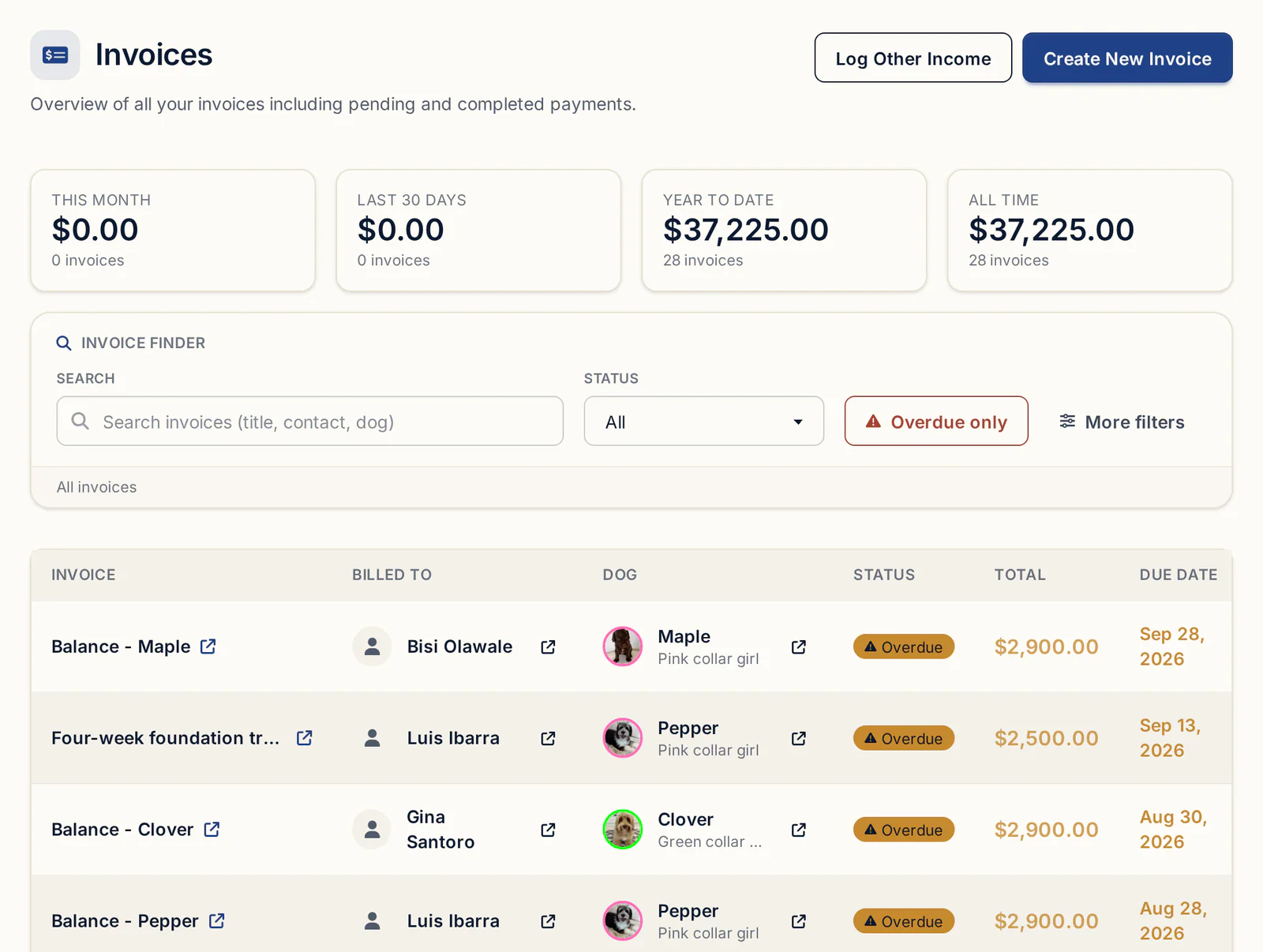
Puppy sales and deposits go on invoices, and everything else that comes in (stud fees, affiliate payouts, referral checks, training, merchandise) goes on Other Income.
For stud fee income tracking:
- In the left menu, click Finances, then Other Income.
- Click Add income.
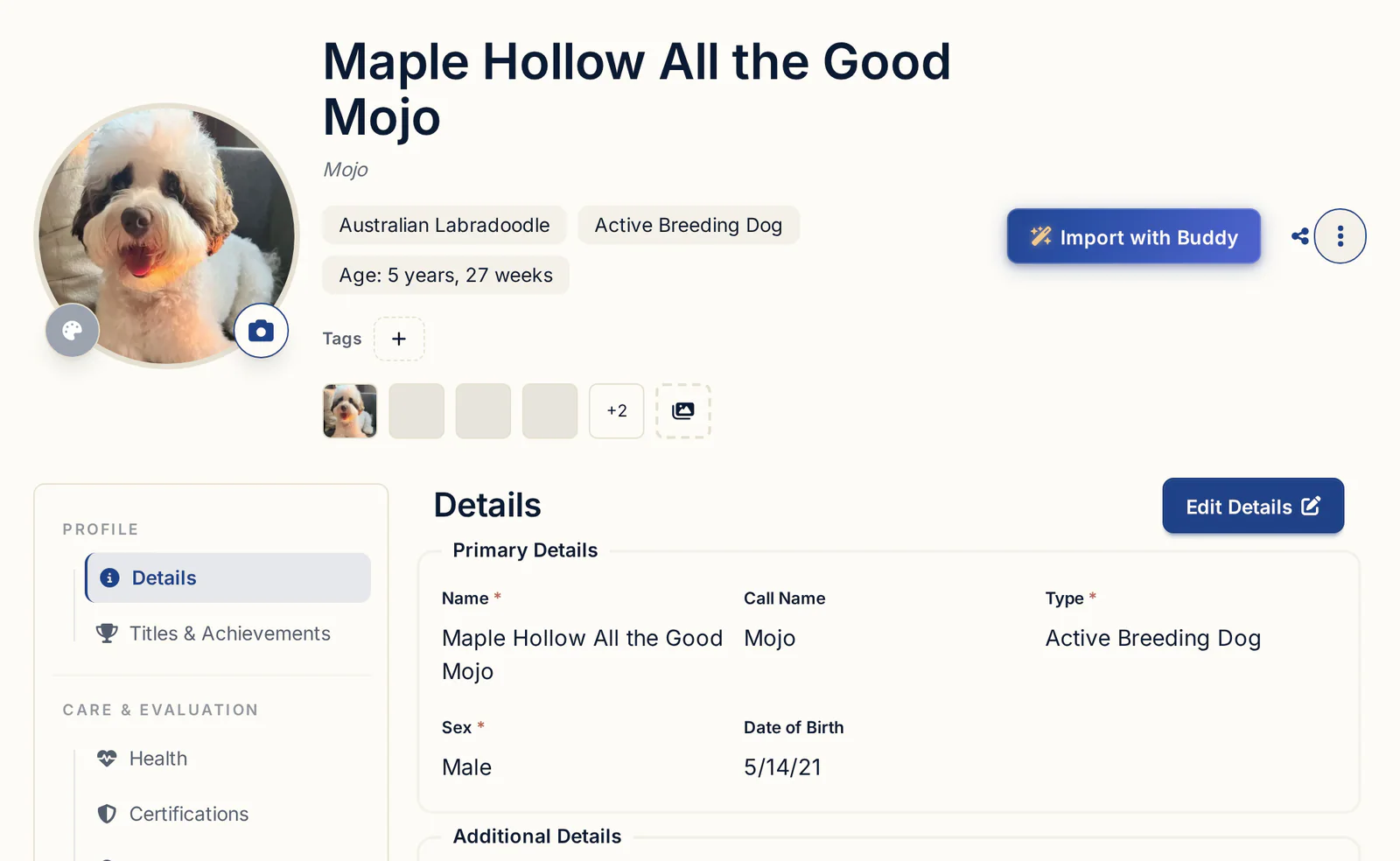
- Set Received date and Amount, pick the Stud Fee category, and type the client's name in Source.
- Under Apply to, pick your male.
- Click Save.
The other starting categories are Affiliate Commission, Referral, Merchandise, Training and Other. The copy icon on any row duplicates an entry dated today, handy for monthly payouts. If your stud client pays through an invoice instead, bill them from Invoices. More on the stud side in stud dog management.
Cash, Venmo and Zelle for a puppy are recorded on the buyer's invoice, not as other income. Open the invoice, open the More menu and choose Log Manual Payment. The payment shows under Manual Payments & Receipts and the balance updates. Payments you record yourself cost nothing. Online payments cost Stripe's processing rate plus a 0.1% platform fee, and you can pass Stripe's fee on to the buyer.
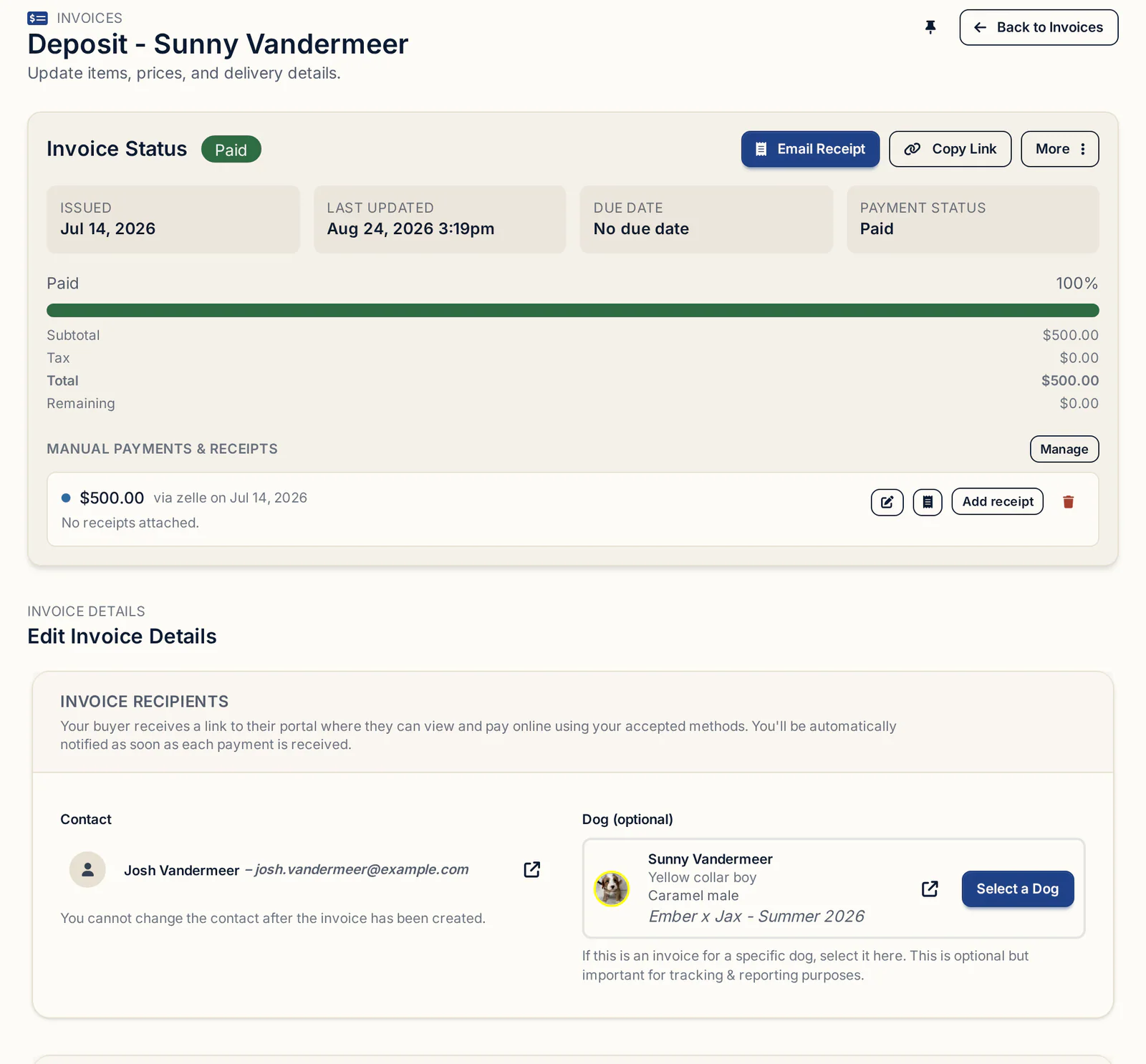
What a clean puppy invoice should hold is covered in the breeder invoice template.
What a litter really earned
A litter's profit is its puppy income minus its own costs, minus its share of the parents' costs and your overhead, and BreederBuddy gives you the first two on one screen.
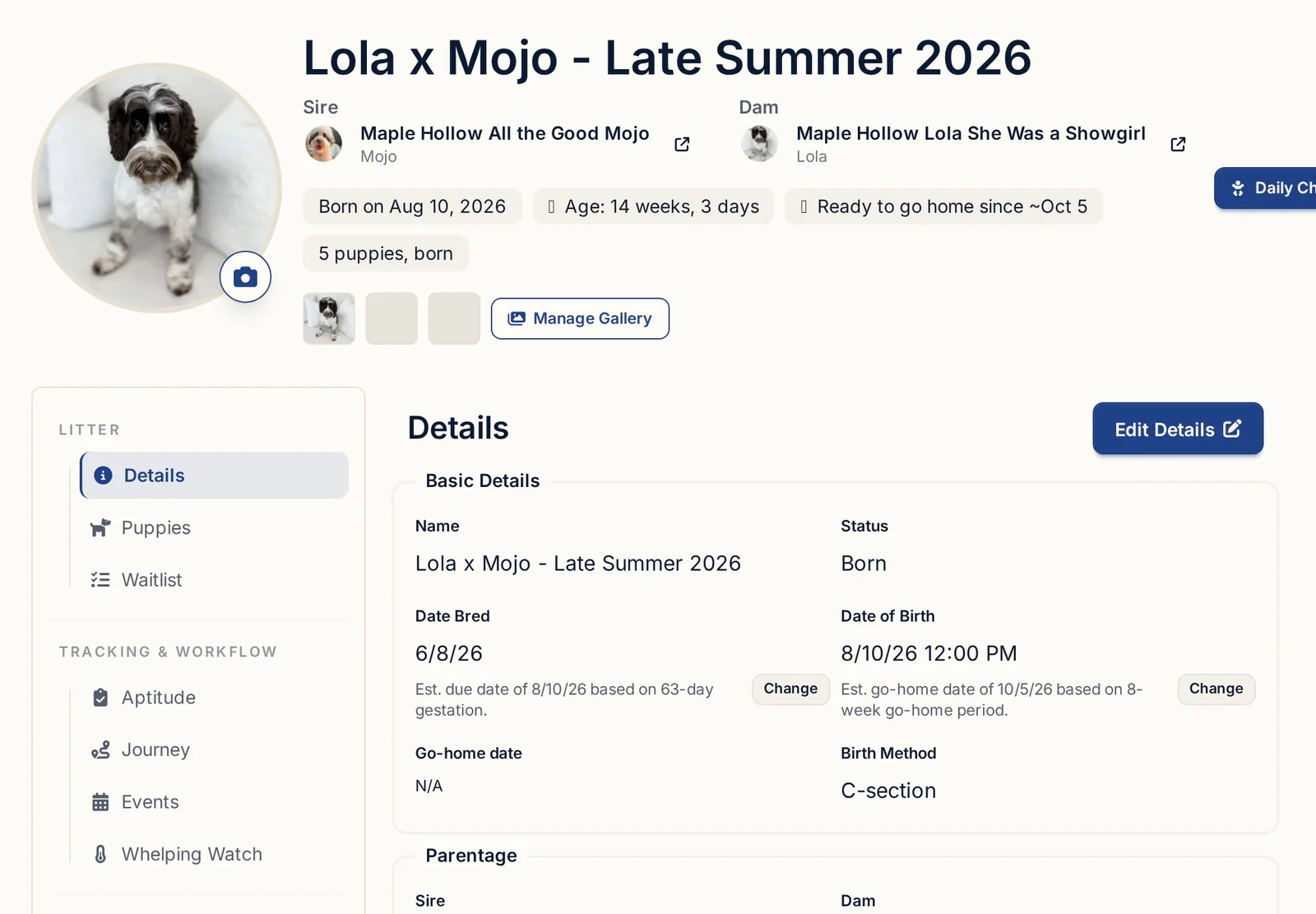
Open the litter and go to the Finances tab. It shows every expense linked to that litter alongside the invoices for its puppies. Other Income linked to the litter, like a stud fee you received for it, isn't included there, so check the Other Income page for that.
Then finish the math by hand:
- Start with puppy invoices from the litter's Finances tab.
- Add any other income for the litter.
- Subtract the linked litter expenses.
- Subtract the dam's share of health testing and upkeep, and the sire's if he's yours.
- Subtract the litter's share of overhead if you use one.
Run the same inputs through the litter profitability calculator before your next breeding and you'll see whether your price covers what a litter actually costs you.
Year-end and tax records
Your accountant usually wants income totals, expenses by category with deductible items marked, a mileage total, and the receipts behind them. Here's where each one lives in BreederBuddy.
- Income: under Tools & Analytics, click Reports, then Income Report. Set it to This year for gross, fees, taxes and net. Other income shows separately and is counted in total revenue. Click Download CSV.
- Expenses: click the cloud icon at the top of Expenses and choose Export Expenses to download your expense history for your accountant.
- Other income: click Export CSV on Other Income.
- Mileage: read the Year to date card on Expenses.
The Income Report is visible only to the account owner by default. To share it with staff, open Settings → User Administration and tick Allow secondary users to access Income Report.
How long to keep receipts and records is a question for your accountant, since the rules depend on where you file and your situation. Whether your program is treated as a business or a hobby also changes what you can deduct, so settle that with a professional before you rely on any deduction. More on what else belongs in your files in dog breeding records, and the reporting side in reporting and insights.
What to look for in kennel expense tracking
Whatever you use, a spreadsheet or software, hold it to this list:
- Each cost can be tied to a specific dog or litter
- One receipt can be split into several lines and categories
- Receipts stay attached to the expense they prove
- Deductible items are marked per line, not per receipt
- Mileage totals by month and year
- Non-puppy income has its own log with categories
- Cash and app payments are recorded against the buyer's invoice
- Income and expenses export to a file your accountant can open
Getting started
Expenses, Other Income and Reports are part of the dashboard on every plan, starting with Standard at $30/month or $300/year. Pro, at $60/month or $600/year, adds a kennel website built from your records. Every plan starts with a 30-day free trial, no credit card required. If your costs live in a spreadsheet today, Import Expenses brings them in.
Questions
How much does it cost to breed a litter of puppies?
It depends on your breed, the stud fee, how much reproductive vet work you need, litter size and whether there's a C-section. List every cost from the first progesterone test to go-home day, add each dog's share of health testing, and run the totals through a litter profitability calculator rather than relying on someone else's average.
What expenses can dog breeders deduct?
That depends on your situation, including whether your program is treated as a business or a hobby. Common candidates are vet care, food, health testing, registration, advertising and mileage, but confirm with your accountant. In BreederBuddy you can tick Deductible on each line item so your records are ready for that conversation.
Should I track expenses per litter or per dog?
Both. Costs that only exist because of one breeding, like the stud fee and puppy vaccines, go to the litter. Costs that serve every litter, like OFA and DNA testing, go to the dog, and you charge each litter a share. Everything else is kennel overhead.
How do I record stud fee income?
In BreederBuddy, open Other Income, click Add income, set the Received date and Amount, pick the Stud Fee category, put the client in Source and pick your male under Apply to. If you paid a stud fee for your own female, log it on Expenses instead.
What app do breeders use to track expenses?
A spreadsheet or general accounting software can work, but you'll tag each cost to a dog or litter by hand. BreederBuddy's Expenses page links costs to a dog or litter, reads scanned receipts, tracks mileage and exports for your accountant, and it runs in any browser and as an Android app.
How do I track cash and Venmo payments for puppies?
Record them on the buyer's invoice. Open the invoice, choose Log Manual Payment from the More menu, and the payment shows under Manual Payments & Receipts with the balance updated. Payments you record yourself cost nothing.
Terms used in this article
- Stud fee
- The price paid to the owner of a male for breeding him to your female, sometimes paid as a pick puppy instead of cash.
- Progesterone test
- A blood test that tracks a female's hormone levels through her heat to time breeding and predict the whelping date.
- OFA
- The Orthopedic Foundation for Animals, which grades and records health screenings such as hips, elbows, eyes and hearts for breeding dogs.
- Overhead
- Costs of running the kennel that don't belong to one litter or dog, such as your website, advertising, club dues and insurance.
- Deductible expense
- A cost that may reduce your taxable income. What qualifies depends on your situation, so confirm with your accountant.
- Gross and net income
- Gross is everything buyers and clients paid you. Net is what remains after fees, taxes and expenses come out.
In BreederBuddy
- Standard
- $30/month or $300/year. The full management platform: unlimited dogs, litters, and puppies, and multiple user accounts.
- Pro
- $60/month or $600/year. Everything in Standard, plus a template kennel website built from your records.
- Platforms
- Available on the web and as an Android app on Google Play (iPhone and iPad app coming soon).
- Free trial
- 30 days, no credit card, full Pro features. At the end, keep Pro ($60/month) or continue on Standard ($30/month).