
Health Testing Records for Breeding Dogs: OFA, DNA and Retests
By Kenny SchultzUpdated Last reviewed
Health testing records for breeding dogs should hold, for each clearance, the test, the lab or registry, the result or grade, the certificate number, the test date, the expiry and the certificate itself. In BreederBuddy they live on each dog's Certifications tab, which fills from an OFA PDF and flags clearances expiring within 30 days.
Key takeaways
- Record the OFA or certificate number with every result, because that number is what buyers and stud owners use to verify it.
- Keep the original certificate PDF next to the entry so you can send proof in one step.
- Put the next eye exam and any other renewal on your calendar the day the current result comes in.
- Ask an outside stud owner for OFA numbers, the DNA panel and a current brucellosis test before you commit a dam.
- Keep a retired dog's clearances permanently, since they still matter for every descendant you breed.
Every breeding dog builds up a stack of paper. OFA hips and elbows, a yearly eye exam, a cardiac clearance, a DNA panel with dozens of lines on it. Health testing records for breeding dogs only do their job if you can find the right result fast: when a stud owner asks for your dam's numbers, or a buyer wants proof before sending a deposit. Too often that proof is an email attachment from three years ago.
This guide covers which tests to record, what to log for each result, when clearances need renewing, and how to use them in pairings and share them. Then it shows how BreederBuddy stores them on each dog's Certifications tab, fills them in from an OFA PDF, and puts them on your website. It's about health clearances, not vaccines and vet visits.
Why health testing records matter
Health testing records are the proof behind every claim you make about a dog's health, so they have to be complete and easy to produce.
Three people depend on them. Buyers ask to see the parents' clearances before they commit. Stud owners ask for your dam's results before they'll book a breeding, and you'll ask the same of them. And you use them yourself when deciding which pairings make sense at all. A dog with a fair hip score, a carrier result or a lapsed eye exam changes the plan.
The problem is rarely the testing. It's that results arrive from different places (your vet, OFA, a DNA lab) in different formats, and nobody files them the same way twice.
Which tests to record for each dog
Record every test your breed's parent club recommends, plus anything else you've done, whether the result was good or not.
The starting point for most breeds is the parent club's list, which OFA publishes through the CHIC program. That list tells you which tests a dog needs for a CHIC number in your breed. Common ones include:
- Orthopedic: OFA hips, OFA elbows, patellas, and PennHIP if you use it
- Eyes and cardiac: a CAER eye exam and a cardiac exam (auscultation or echocardiogram, depending on the breed)
- Thyroid and dentition for breeds where the club asks for them
- DNA: a breed DNA panel from a lab like Embark or Wisdom Panel, plus any breed-specific single-gene tests
- Reproductive and infectious: brucellosis before breeding
Costs vary a lot by vet, region and whether sedation is needed, so check your vet's quote, the registry's current fee schedule and the lab's price before you budget. Some breed clubs run clinics at shows that lower the cost of eye and cardiac exams. For which tests your breed actually needs, the parent club and your vet are the authority.
What to log for each result
For every clearance, log enough that someone else could look the result up and check it without asking you.
| What to log | Why it matters | BreederBuddy field |
|---|---|---|
| Test and lab or registry | Tells you who issued it | Test / Certification, Issuing Organization |
| Result or grade | The actual outcome | Result / Grade |
| Certificate or OFA number | How buyers verify it | Certificate # |
| Test date and expiry | Age at testing and renewal | Date Tested, Expiry Date |
| Context | Vet, sedation, retest reason | Notes |
| The certificate itself | Proof you can send | Attached PDF |
Age at testing matters for anything with a minimum age, like final hips. If you log the test date and the dog's birth date is already on the profile, you can always work it out. Log failing and borderline results too. They're part of the dog's history, and they matter for the dog's relatives.
Retests and expiring clearances
Some clearances are done once for life, and others expire and have to be repeated to stay current.
| Test | Typical timing | Renewal |
|---|---|---|
| OFA hips | Preliminary from 4 months, final at 24 months | Final is done once |
| OFA elbows | Final at 24 months | Done once |
| Patellas | Final at 12 months | Done once |
| CAER eyes | Any age | Every year |
| Cardiac | Depends on breed and exam type | Some clubs ask for repeats |
| DNA panel | Any age | Done once |
| Brucellosis | Before breeding | Before each breeding |
Preliminary hip results are useful for early decisions, but they aren't a final OFA rating. Treat them as a separate entry, then add the final when it comes in. Eye exams are the clearance that lapses most often, because a year goes fast between litters. Your vet and parent club have the final word on timing for your breed.
Entering results in BreederBuddy
Each dog's health clearances live on the Certifications tab of their profile, grouped by category with a status badge on each one.
- Go to Dogs in the left menu and click the dog.
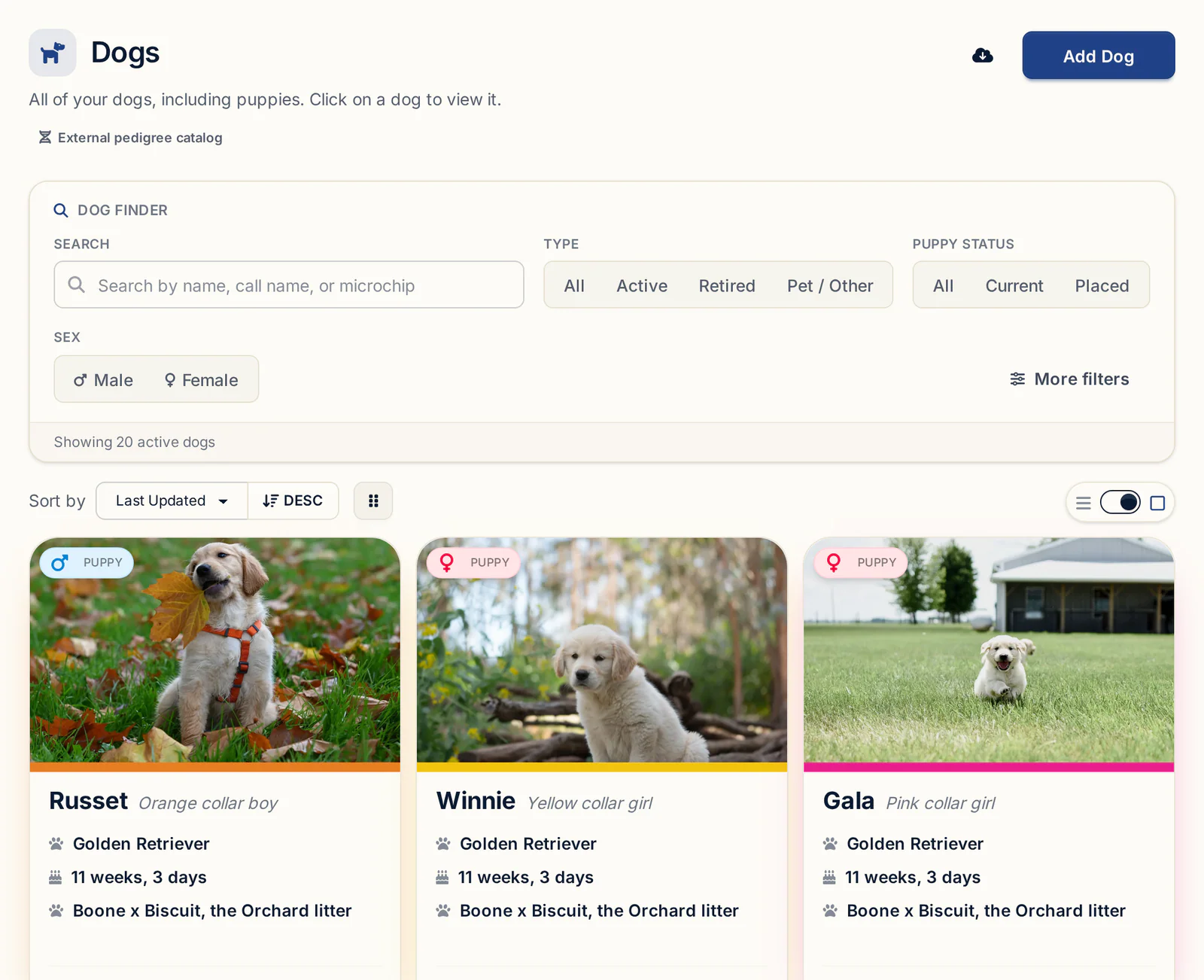
- Under the Care & Evaluation group on the side of the profile, click the Certifications tab (shield icon). The OFA & Health Testing page lists every test type by category: Orthopedic, Eyes & Cardiac, Thyroid & Dentition, DNA & Genetics, Reproductive / Infectious and Other.
Importing an OFA PDF
The fastest way in is the OFA eCertificate you already have.
- Click the PDF import button at the top right of the tab, next to Add Certification, and pick the file from your computer or phone.
- The button shows Reading…, then the Review Imported Certification window opens with the test type, result, OFA cert number, test date, expiry and issuing organization filled in. For Eyes/CAER, the expiry is set to one year from the exam date. For other tests you can set it yourself.
- Anything BreederBuddy couldn't read is listed for you to review. Fix those fields.
- Click Add certification. The result appears under its category with a badge, and the PDF is attached as proof.
The import reads OFA certificates for hips, elbows, eyes, cardiac, patellas, thyroid and a few others like lungs and brucellosis.
DNA panels and stacks of paperwork
A DNA report holds dozens of results plus coat color genes, so if you upload one through the same import button, BreederBuddy hands it to Buddy. Buddy reads the whole report, and after you review and approve, each result is saved and the dog's Genetics tab is filled in. Nothing is saved until you approve.
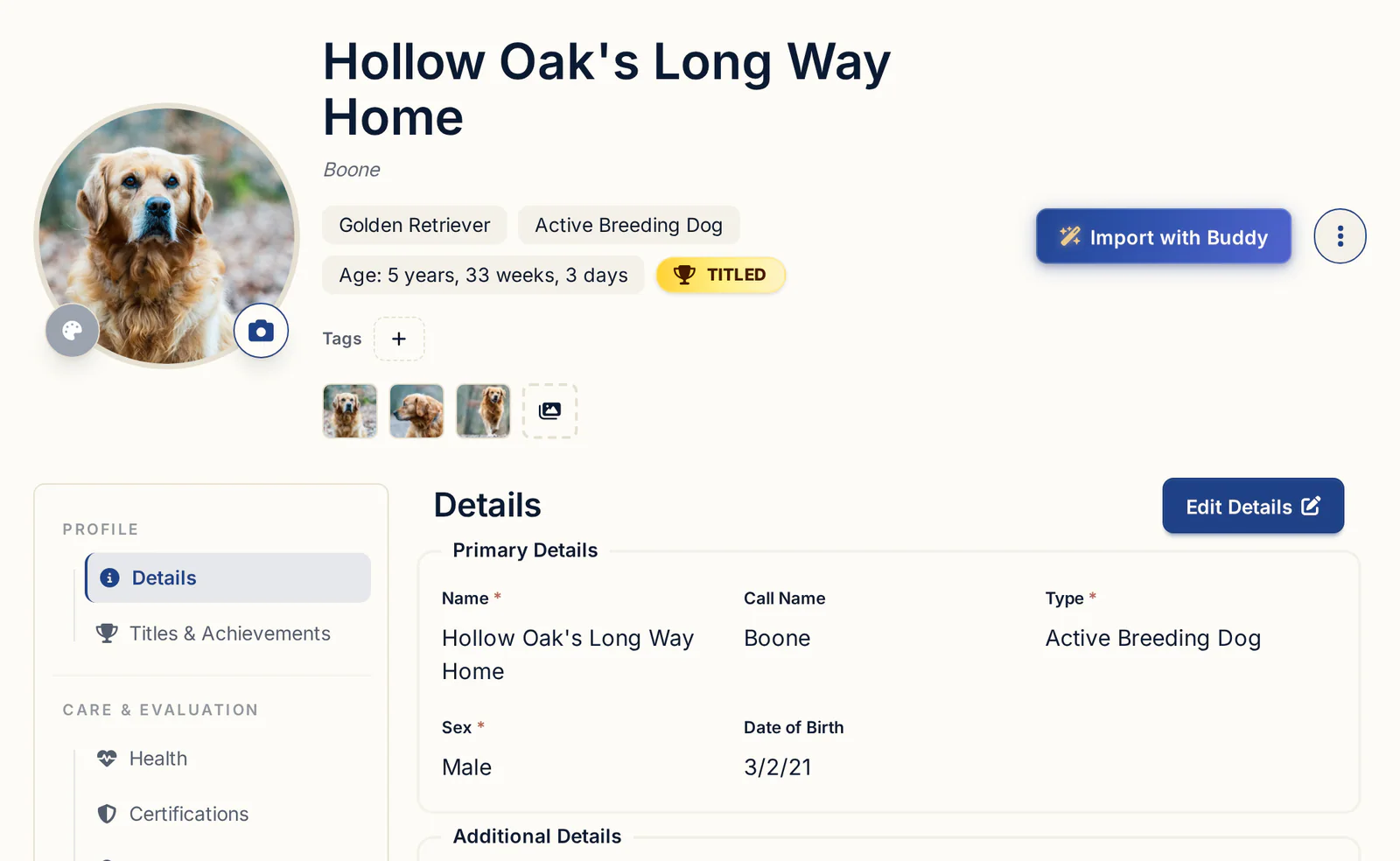
For a pile of vet records or several reports at once, click Import with Buddy at the top of the dog's profile and drop in up to 5 files. Buddy turns OFA and vet results into health records on that dog, again for you to approve first. It only fills blanks and never overwrites what you've entered. More in importing breeding records from any file with Buddy.
Adding a result by hand
For PennHIP, a vet's letter or a breed-specific test from another lab, click Add Certification, or the + next to a specific test like PennHIP to start with it picked. Fill in Issuing Organization, Test / Certification (pick from the list or type your own), Result / Grade, Certificate #, Date Tested, Expiry Date and Notes, then click Add certification.
Keeping track of expiring clearances
BreederBuddy shows expiry on a badge, and you add the reminder yourself on the calendar.
Each certification carries a badge: a green check for valid, a yellow warning when it expires within 30 days, and a red X once it has expired. The latest result shows by default, and + 1 older entry (or + N older entries) opens the history of that test, so a dog's yearly eye exams stack up in order.
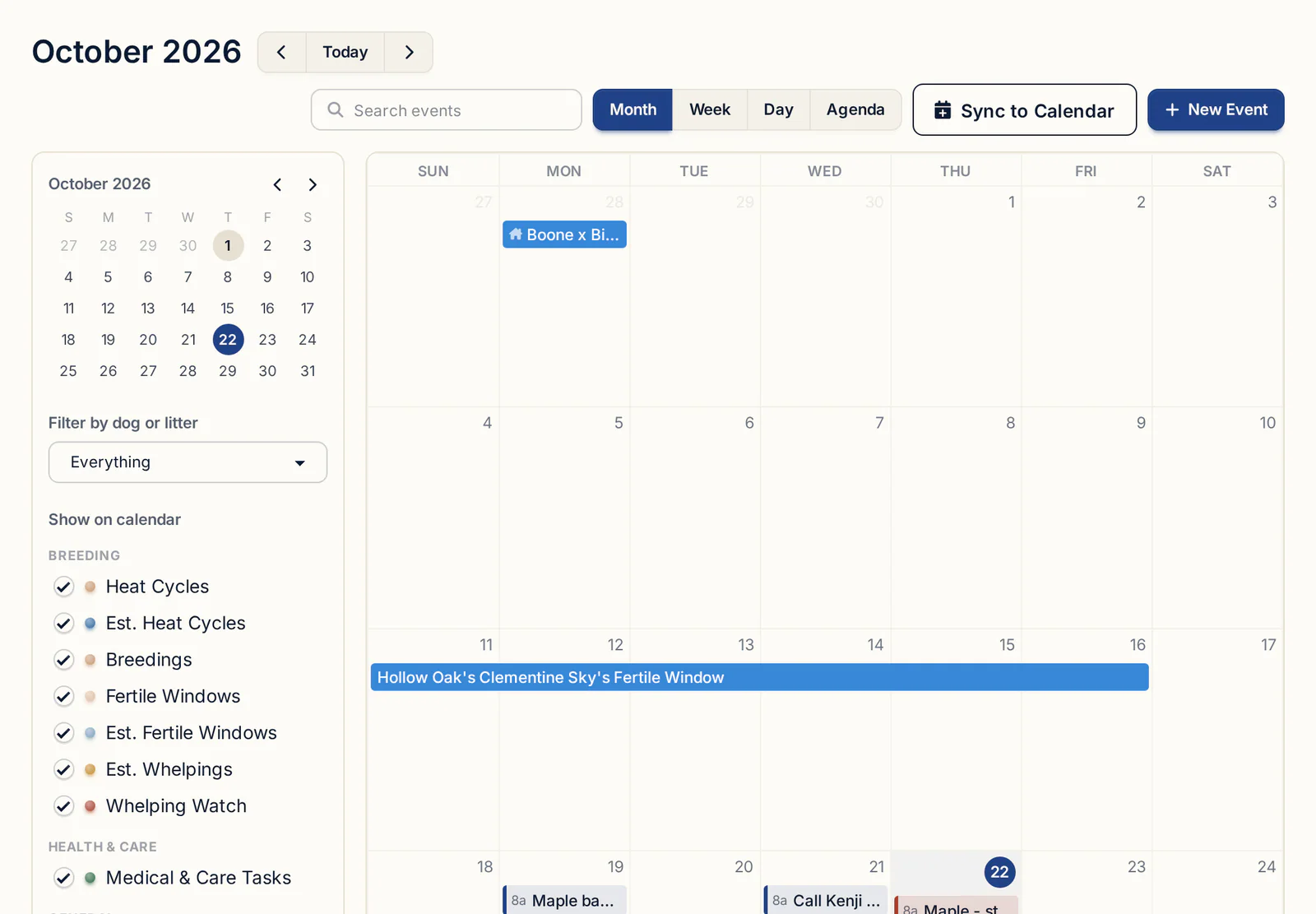
There's no automatic expiry alert, and no single list across all your dogs yet. When a new eye exam comes in, add an event on your calendar for next year's exam with Email Reminder on, so it lands in your inbox as well as on the calendar.
Using clearances when planning a pairing
Before you plan a breeding, check both parents' clearances side by side, including any carrier results.
For a recessive disease, a carrier bred to a clear dog can't produce affected puppies, though about half may be carriers. Two carriers together can produce affected puppies, roughly one in four on average. Carriers aren't automatically out of a program, but the mate's result decides whether the pairing is safe. Talk through anything unusual with your vet or a genetic counselor from the lab.
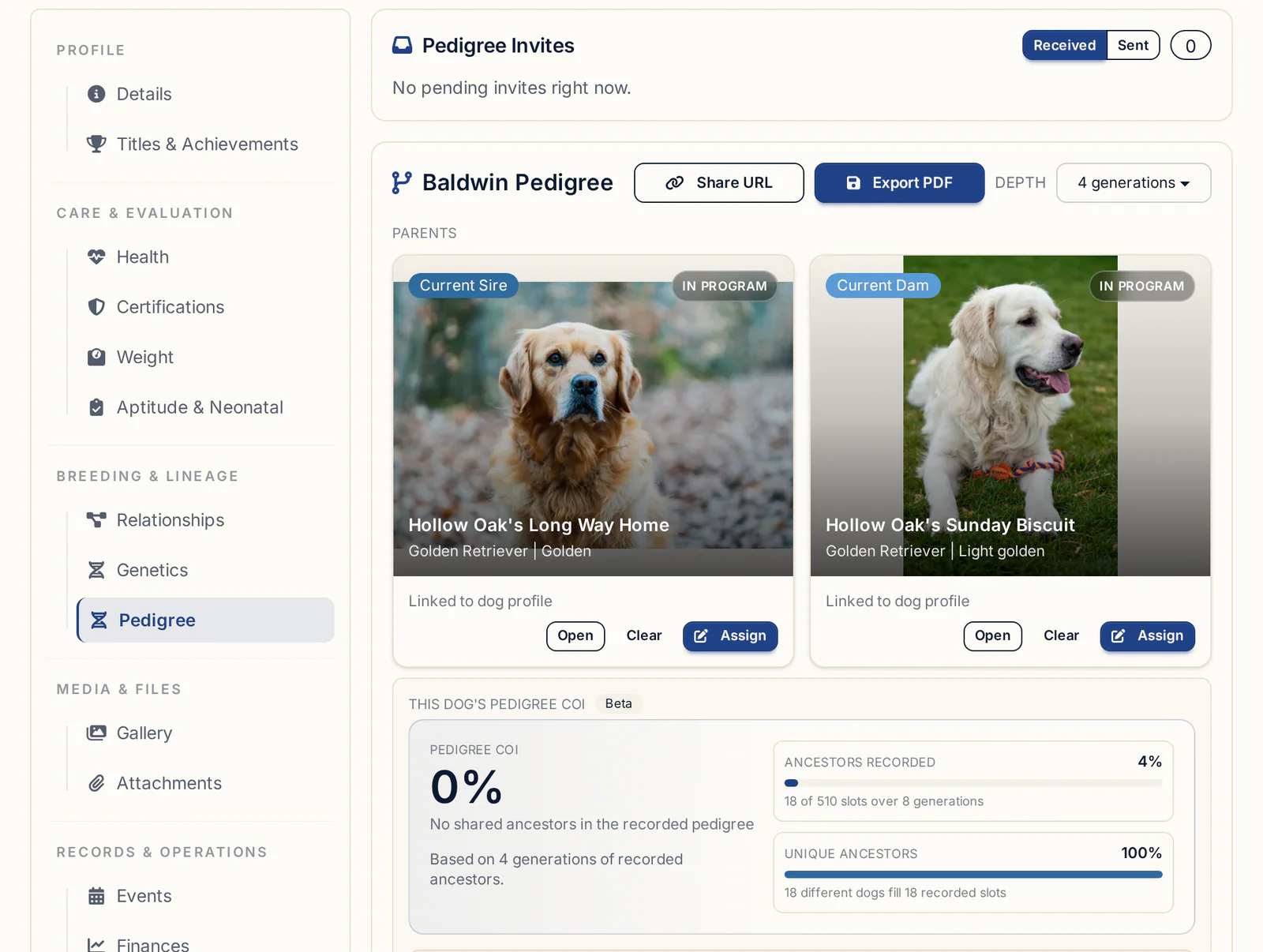
In BreederBuddy, genetic disease results sit on Certifications, while coat color and trait genotypes sit on the Genetics tab. The Genetics Forecast under Tools & Analytics lets you pick a Sire and Dam from My dogs or Outside dogs from your pedigree records. It shows likely coat colors, patterns and coat types, the Projected Offspring COI (Selected Pair), and Suggested tests that would sharpen the forecast. Nothing is saved, so you can try as many pairings as you like. For the inbreeding side, see how COI is calculated from a pedigree.
When you use an outside stud, ask the owner for:
- The OFA numbers for every clearance the breed club recommends
- The full DNA panel, or a share link to it
- A current brucellosis test
- Registration details and a pedigree
You'll find more on agreements and breeding records in stud dog management.
Sharing results with buyers and stud owners
The most convincing way to share a clearance is to give the result together with a way to check it.
Buyers can verify OFA results themselves by searching the public OFA database by the dog's registered name or number. DNA labs offer share links for the same reason. So whenever you list a result, give the number or the link.
In BreederBuddy, the bottom of each certification's add or edit window has a Show this on my website box. Paste the OFA record page or Embark share link into Link to results so buyers can check the official result, or leave it blank to just list the result. Tick Show the attached certificate on my website to let buyers view the file itself. These show on the dog's page of your kennel website, which comes with Pro. See websites for dog breeders.
For a stud owner or a buyer who wants the paperwork, send the certificate PDFs themselves. In Document Manager, the Health Record Summary lets you pick a dog and the sections to include, and the Go-Home Packet gives a puppy's complete health history in one PDF. Our go-home packet checklist covers what else belongs in it. For coat questions, Copy summary under Buyer-friendly summary in the Genetics Forecast gives you plain-language text to paste into a message.
Storing certificates and keeping records after retirement
Keep every certificate on the dog it belongs to, and keep it after the dog retires.
A certificate you import is attached to the dog's record. To find files across your whole program, click Document Manager in the left menu, then Your Uploaded Files & Attachments, and set Attached to to Health records. Files on the Attachments tab stay private unless you tick the website option on a certification. Be careful with Delete: removing a file there removes it everywhere it's referenced.
Retired dogs stay in your Dogs list, which you can filter to show retired dogs, so their clearances are still there when a buyer of a grandpuppy asks, or when a relative's result makes you look back. There's no good reason to throw health records away. For co-owned dogs, agree in writing who pays for and holds each clearance, and make sure both owners have copies. The health records page covers the rest of a dog's health history.
What to look for in health records software
Hold any tool against this list:
- A place for every clearance, including custom and breed-specific tests
- The certificate number and the original file on the same entry
- Import from the OFA PDF or lab report, with a review step before saving
- Clear expiry status, and a history of repeated tests like eye exams
- Disease results kept separate from coat color genetics
- A way to show results publicly with a link buyers can check
- Records that stay put when a dog retires
Getting started
The Certifications tab, Buddy imports and Document Manager are on every plan, starting with Standard at $30/month or $300/year. Showing clearances on your kennel website takes Pro, at $60/month or $600/year. Every plan starts with a 30-day free trial, and no credit card is needed.
Questions
What health tests should a breeding dog have?
It depends on the breed. Start with your parent club's recommended tests, which OFA lists under the CHIC program. Most lists include some mix of hips, elbows, a yearly CAER eye exam, cardiac, and breed-specific DNA tests. Add brucellosis before each breeding, and confirm the list with your vet.
Where do I find my dog's OFA number?
It's printed on the OFA certificate and listed in the OFA public database under the dog's registered name. In BreederBuddy it goes in the Certificate # field on the dog's Certifications tab, and importing the OFA PDF fills it in for you.
Do I need to redo eye exams every year for breeding?
Yes, a CAER eye exam is valid for one year, so dogs in a breeding program are usually re-examined every year to keep the clearance current. BreederBuddy sets the expiry one year from the exam date when you import an OFA eye certificate and turns the badge yellow within 30 days of it.
How do I show puppy buyers health testing results?
Give them the result plus a way to check it: the OFA number or record page, or the DNA lab's share link. In BreederBuddy, each certification's Show this on my website box adds a Link to results and can show the certificate on the dog's page of your Pro website. You can also send the PDFs directly.
What age can hips be OFA certified?
OFA gives a final hip rating at 24 months. Preliminary hip evaluations can be done earlier, from about 4 months, but they aren't a final rating. PennHIP can be done from 16 weeks. Check current registry rules and your vet's advice for your breed.
Terms used in this article
- OFA
- The Orthopedic Foundation for Animals, the main US registry that grades and publishes hip, elbow, eye, cardiac, thyroid and other health results.
- CAER
- The Companion Animal Eye Registry exam, done by a board-certified veterinary ophthalmologist and valid for one year.
- PennHIP
- A hip evaluation method that measures joint laxity with a distraction index, used alongside or instead of OFA hip grading.
- Clearance
- A passing health test result from a recognized registry or lab that shows a dog was screened for a specific condition.
- Carrier
- A dog with one copy of a recessive disease gene; it is usually unaffected itself but can pass the gene to puppies.
- CHIC
- The Canine Health Information Center, which lists the health tests each breed's parent club recommends for breeding dogs.
- Brucellosis test
- A blood test for Brucella canis, a contagious reproductive infection, commonly done before each breeding for both dam and stud.
In BreederBuddy
- Standard
- $30/month or $300/year. The full management platform: unlimited dogs, litters, and puppies, and multiple user accounts.
- Pro
- $60/month or $600/year. Everything in Standard, plus a template kennel website built from your records.
- Platforms
- Available on the web and as an Android app on Google Play (iPhone and iPad app coming soon).
- Free trial
- 30 days, full access, no credit card required.