How to Keep Dog Breeding Records Organized in 15 Minutes a Week

Dog breeding records rarely fall apart all at once. Instead, it usually starts with a missed vaccination reminder. Then a weight entry gets misplaced. Suddenly, you are digging through texts when a buyer asks for a health update. However, the fix is not “work harder.” Rather, it is building a repeatable routine that lives in one workspace and can be delegated when you bring on extra help.
This playbook shows you how the most organized kennels run a simple 15-minute weekly review inside BreederBuddy so every dog, litter, and buyer note stays current.
Why dog breeding records slip through the cracks
In most kennels, the root causes are predictable. More importantly, they are also fixable.
Data is scattered across unconnected tools
Spreadsheets, notebooks, and Facebook messages are fast to start. However, they are hard to reconcile later. As a result, you never truly have a single source of truth when an inspection request or buyer question lands.
Health logs rely on memory
When reminders live in someone’s personal calendar, missed vaccinations or deworming rounds become inevitable, especially during busy seasons. Consequently, important care tasks slowly drift off schedule.
Buyer updates are reactive
If you only send updates when someone asks, the queue of questions grows. Over time, the experience feels inconsistent and stressful instead of calm and professional.
The three-part system we recommend
Fortunately, you can fix all three failure points by reserving one protected block each week for a structured review. Ideally, this happens Monday mornings. However, any time slot you can consistently protect will work.
Step 1: Update the dog roster (5 minutes)
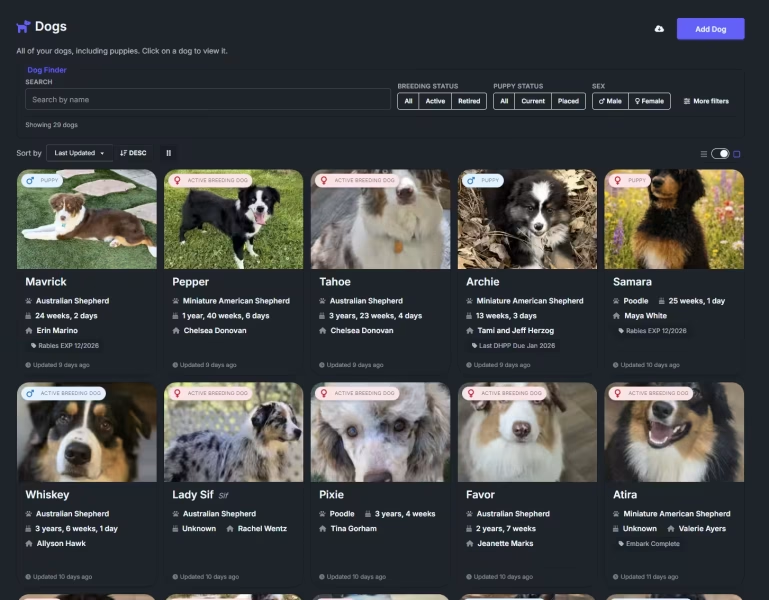
First, open the Dogs board in BreederBuddy.
- Then, add new weights, heat cycles, or medical notes captured during the weekend.
- Next, upload any lab paperwork or vet receipts directly to the dog’s profile so you never have to hunt for PDFs later.
When everything lives inside one dog profile, both you and your vet team can instantly reference the same history. As a result, mistakes, duplicates, and lost information disappear.
Step 2: Review litters and upcoming milestones (5 minutes)
Next, open the Calendar view and filter it to the next two weeks.
- Then, confirm medication reminders, due dates, and checkups are still accurate.
- After that, drag any unfinished tasks forward so they remain visible.
This simple step keeps health tracking proactive instead of reactive. Moreover, if you have team members, you can assign reminders to them so everyone clearly knows who owns each task.
Step 3: Send proactive buyer updates (5 minutes)
Finally, shift into buyer communication.
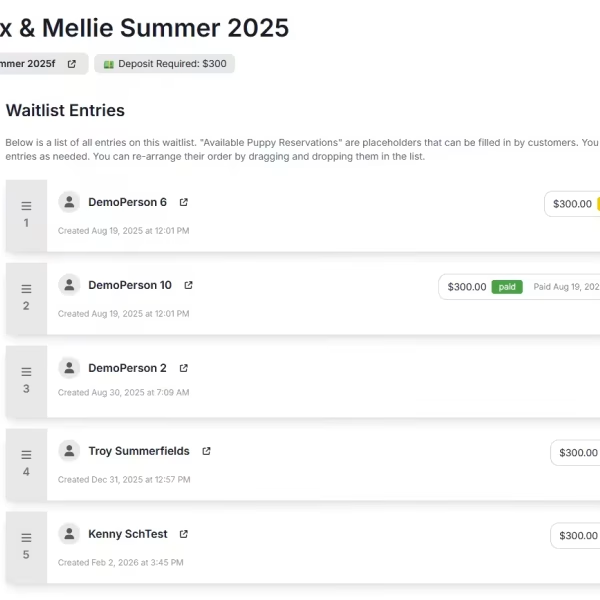
Open the Waitlists or Applications tab and sort by newest submissions.
- Then, draft a short one-to-two paragraph update for each buyer who is waiting on news.
- At the same time, include progress photos or weight changes so they feel confident their puppy is thriving.
BreederBuddy automatically keeps these updates attached to the buyer timeline. Therefore, every teammate can see what was said, when it was sent, and what the buyer has already received.
Automate payments and paperwork in the same workflow
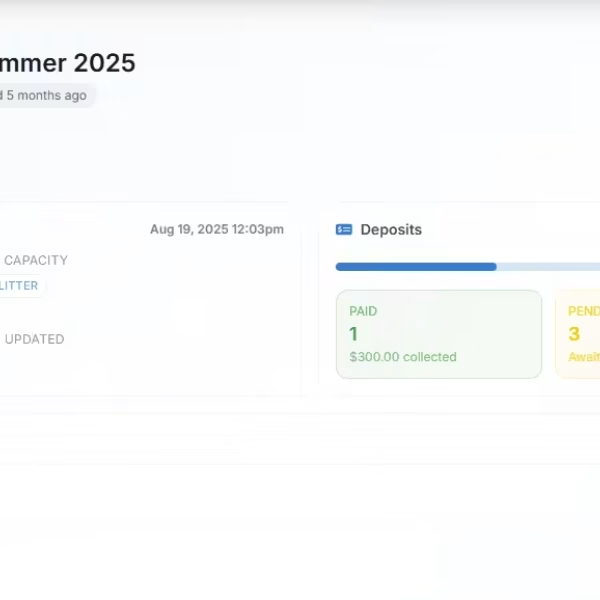
At this point, the weekly review becomes the perfect moment to reconcile paid invoices and unsigned contracts. Simply open the Invoices panel and check which buyers still owe a deposit. From there, you can trigger an automated reminder or resend the payment link in one click.
If you need a refresher on how digital invoices work, the Invoicing Guide walks through the exact buyer experience step by step.
What to delegate when you expand your team
As your program grows, you do not have to own this entire routine yourself. Instead, you can hand off any portion to an assistant or kennel manager. Create an internal SOP, share this article, and give them a BreederBuddy login with the correct permissions.
Because everything they log is timestamped, you always maintain a clear audit trail and full visibility.
Next steps
- First, schedule a recurring 15-minute calendar block for this weekly review.
- Then, invite any helpers into BreederBuddy so they can update records directly.
- Finally, bookmark this workflow so everyone follows the same standard.
Want to keep your program organized without babysitting spreadsheets all night? Then start a BreederBuddy free trial and put this routine in motion today.